
Picture-powered flashcards, smart spaced repetition, and a 30-day journey that makes Thai stick. Free, offline-ready, installs on any phone.
No download required • Works in your browser • 100% free
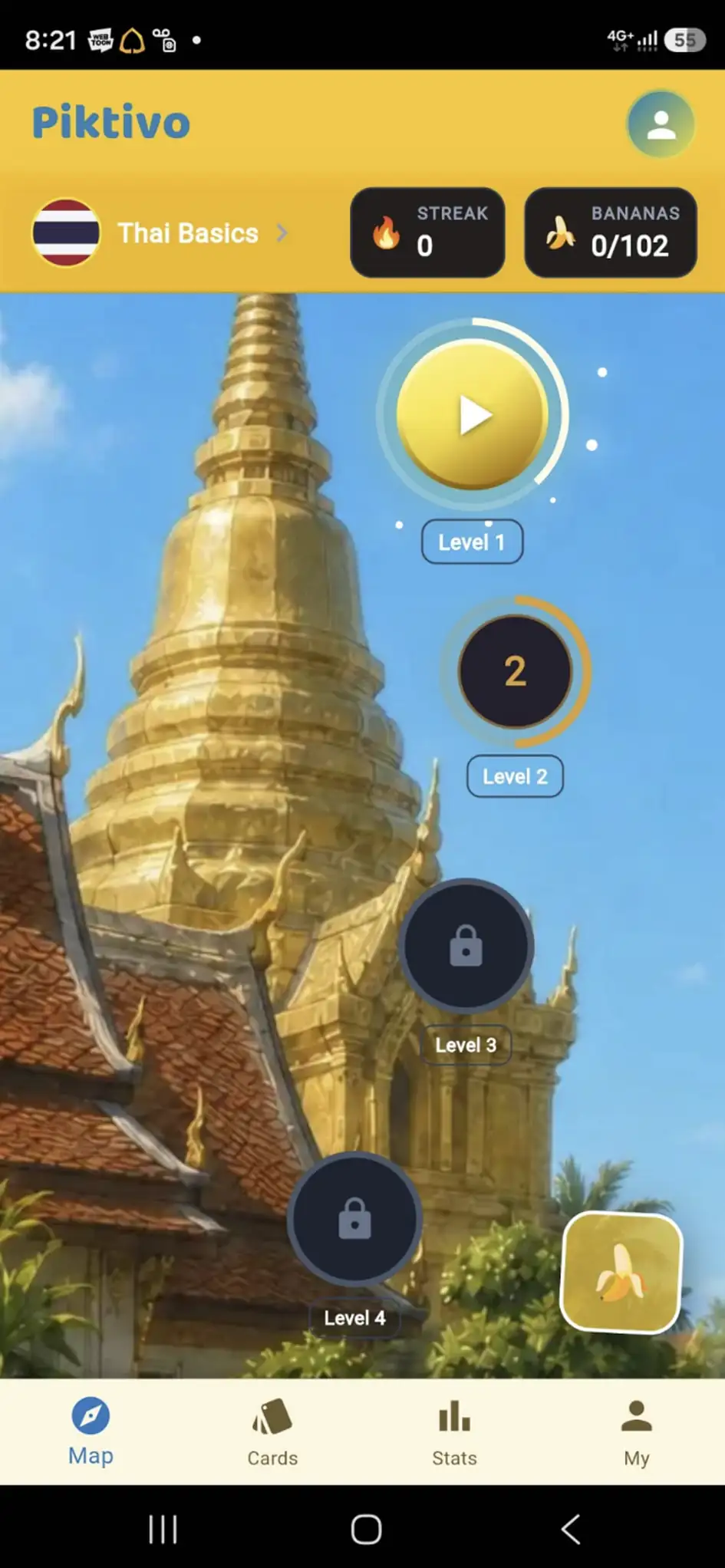
Everything you need to learn Thai, nothing you don't.
Every word pairs with a memorable picture mnemonic, so vocabulary sticks faster and recall feels effortless.
A smart repetition system resurfaces cards right before you forget them — the proven way to build lasting memory.
Streaks, bananas, mastery levels and a 30-day map keep you motivated and show exactly how far you've come.
Installed as an app, Piktivo runs without a connection. Learn on the train, on a plane, or anywhere.
Piktivo is a Progressive Web App — install it on your phone, tablet or computer, just like a native app. We've highlighted the steps for your device below.
🚨 Important: On Android, Piktivo must be opened and installed using Google Chrome. Other browsers (Samsung Internet, Firefox, in-app browsers, etc.) can cause the app to misbehave or fail to install correctly. Use the button below to open it in Chrome.
Open in ChromeNo Chrome? Install Chrome from Google Play first, then tap the button above.
⚠️ Note: You may see a "Google Play Protect" warning. This is normal for web apps installed outside the Play Store (Google's way of pushing developers to pay marketplace fees). Piktivo is completely safe — just tap "Install anyway".
A friendly, Thai-inspired design built for daily practice.
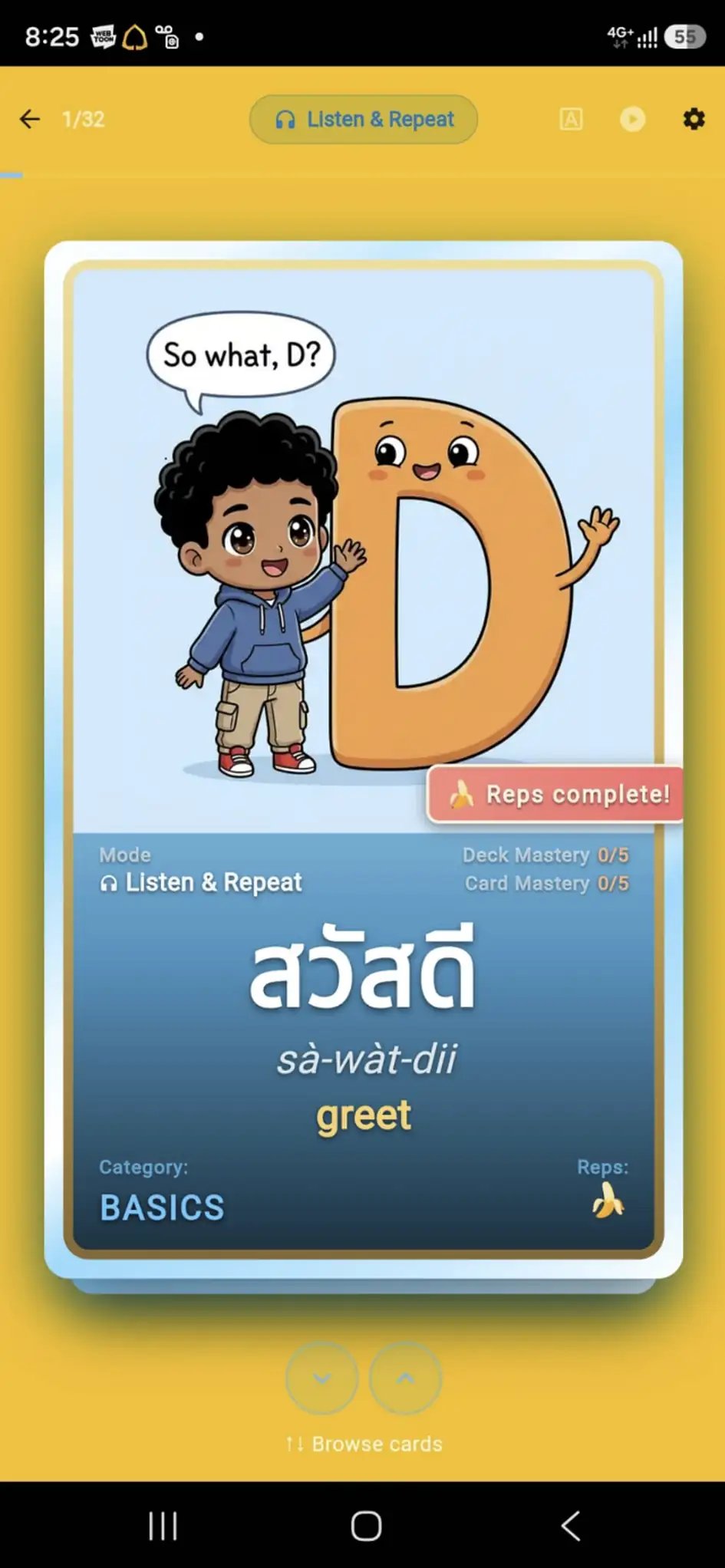
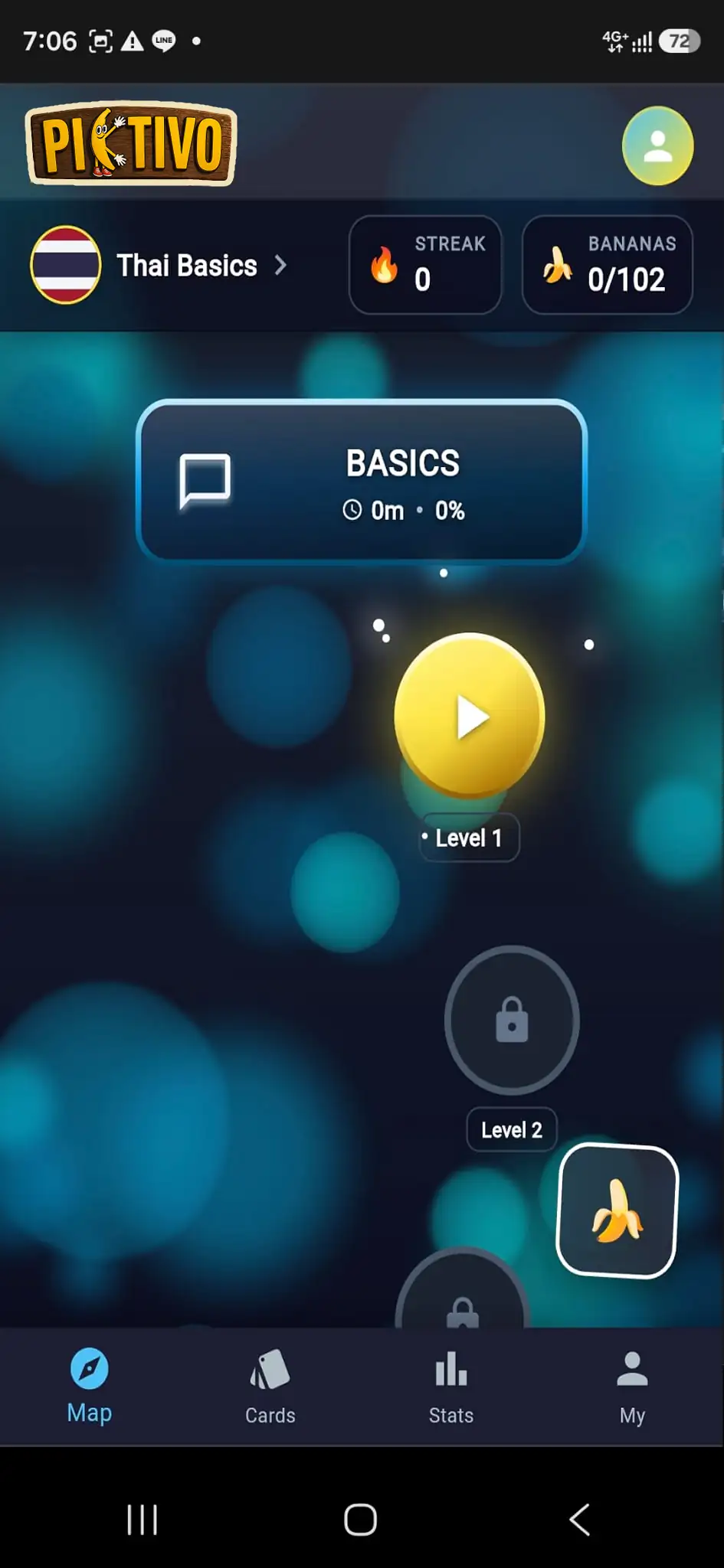
Start your first lesson in under a minute — no account needed to begin.
🚀 Launch Piktivo